
Creating viral videos on TikTok and Instagram Reels no longer requires hours of manual editing. Consequently, content creators now rely heavily on pre-made editing layouts to boost engagement. The use of trending CapCut templates has completely transformed how people produce dynamic short-form content. Therefore, using the right video framework at the right time can catapult your video to millions of views almost overnight.
In this article, we reveal the top 5 trending CapCut templates right now. Furthermore, we explain exactly how you can customize them for fast account growth and maximum engagement.
Why Trending CapCut Templates Dominate Social Media Algorithms
Social media algorithms prioritize content that keeps viewers engaged for the entire duration. As a result, fast cuts, rhythmic beat syncs, and trendy audio clips perform significantly better than basic videos. High-performing trending CapCut templates automatically synchronize these visual elements for you.
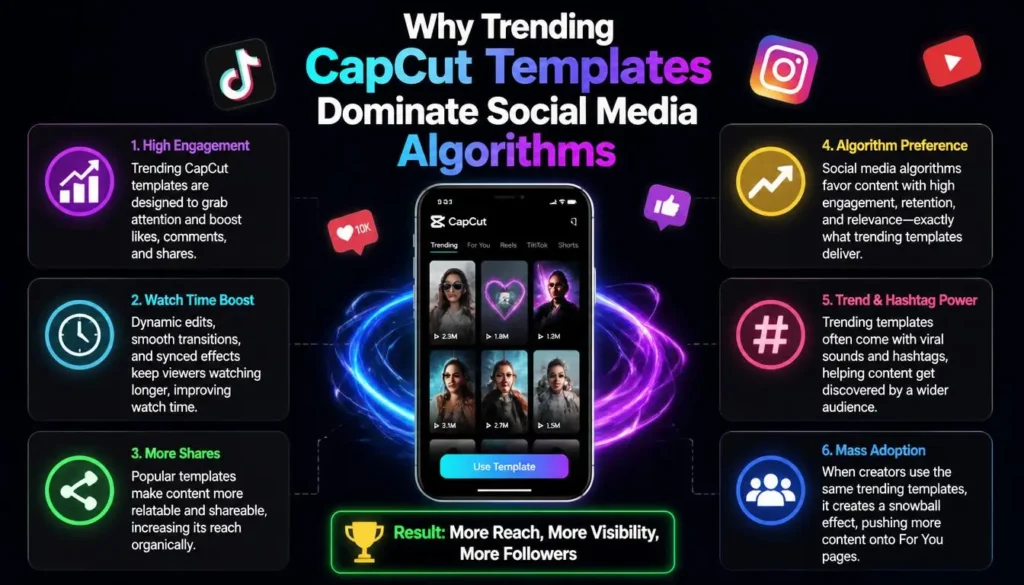
Additionally, short-form algorithms favor trending audio tracks paired with synchronized visual transitions. When thousands of users engage with trending CapCut templates, platforms push that exact structure to broader audiences.
Top 5 Trending CapCut Templates Right Now
Here are the absolute hottest viral video layouts dominating feeds today. Each option offers a unique vibe, making them ideal for diverse niches ranging from lifestyle vlogs to digital marketing.
1. Auto Velocity & Speed Ramp Edit
The Auto Velocity option remains an undisputed king on TikTok and Reels. This viral style automatically speeds up and slows down your video clips in perfect sync with bass drops.
Key Features of Auto Velocity:
- Dynamic Speed Shifts: Smoothly transitions from slow motion to fast motion.
- Audio Beat Matching: Automatically detects heavy bass beats in trending sound clips.
- Cinematic Flash Effects: Subtle light flashes appear on key speed ramps.
Best Used For:
Creators use this style for action sports, fashion reveals, travel highlights, and automotive edits. Moreover, it turns ordinary walking videos into high-energy cinematic masterpieces.
2. 3D Zoom Photo Dump & Parallax
If you have a collection of aesthetic photos sitting in your camera roll, this photo layout is your best choice. The 3D Zoom effect uses visual depth processing to transform flat two-dimensional images into dynamic three-dimensional animations.
Key Features of 3D Zoom:
- Depth Perception Effect: Separates the subject from the background seamlessly.
- Smooth Camera Glide: Adds gentle pan and tilt motions to still shots.
- Retro Color Filters: Applies subtle vintage tones to enhance aesthetic appeal.
Best Used For:
This style works exceptionally well for monthly recap videos, outfit collections, travel photo dumps, and food blogging.
3. Healing Thailand / Smooth Slow Motion
The “Healing Thailand” aesthetic continues to rack up billions of views across social channels. This layout applies an ultra-smooth 60FPS slow-motion filter combined with a soft, warm color grade.
Key Features of Healing Thailand:
- Optical Flow Interpolation: Ensures buttery-smooth slow-motion without stuttering frames.
- Warm Dreamy Glow: Enhances skin tones and natural sunlight highlights.
- Soft Vignette: Draws viewer attention directly toward the center subject.
Best Used For:
Vloggers and lifestyle creators prefer this layout for sunset clips, beach walks, coffee runs, and aesthetic daily routines.
4. Before & After Glow Up (AI Enhancer)
Transformation videos naturally drive high audience retention because people love seeing dramatic results. The “Glow Up” design pairs a side-by-side transition with high-contrast sharp filters.
Key Features of Glow Up:
- Split-Screen Wipe: Smooth transition dividing old footage from new footage.
- HD Quality Upscaling: Sharpens details on the final reveal frame.
- Impact Sound Effects: Adds custom transition sounds like swooshes or camera shutters.
Best Used For:
Fitness enthusiasts, makeup artists, room decorators, and video editors use this framework to showcase impressive progress edits.
5. Seamless Cut Beat Sync (1-Sec Flash Cuts)
Fast-paced editing keeps viewer attention span locked. The Seamless Cut Beat Sync layout compiles multiple micro-clips (often 0.2 to 0.5 seconds each) set to high-bpm electronic or hip-hop tracks.
Key Features of Beat Sync:
- Rapid Multi-Clip Insertion: Allows you to load up to 20-30 short clips at once.
- Rhythmic Screen Shakes: Subtle micro-shakes emphasize heavy beat hits.
- Auto-Color Matching: Harmonizes colors across different footage clips.
Best Used For:
Brand promos, festival highlights, gym montages, and travel teasers benefit immensely from this rapid-fire visual layout.
Comparative Overview of the Top 5 Templates
| Template Name | Primary Visual Effect | Ideal Clip Length | Target Niche | Difficulty Level |
| Auto Velocity | Speed Ramping & Bass Drop | 5 – 10 Seconds | Fashion & Sports | Very Easy |
| 3D Zoom Dump | AI Depth Separation | 5 – 15 Photos | Lifestyle & Travel | Very Easy |
| Healing Thailand | 60FPS Slow-Mo & Soft Glow | 7 – 12 Seconds | Vlogging & Aesthetic | Easy |
| Glow Up | Split Wipe & HD Upscale | 2 Video Clips | Fitness & Beauty | Very Easy |
| Beat Sync | Micro-Clips & Screen Shake | 10 – 30 Short Clips | Edits & Festivals | Very Easy |
How to Find and Apply Trending CapCut Templates Fast
Finding viral layouts before they reach saturation gives you a significant competitive edge. Consequently, following a streamlined step-by-step search method saves valuable time.
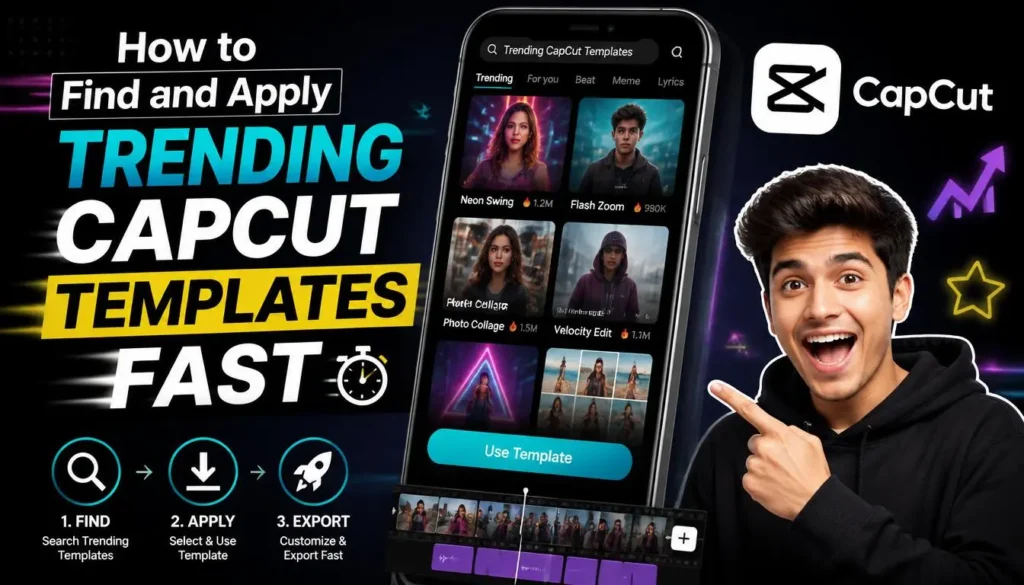
Step 1: Search for Trending CapCut Templates via TikTok
First, open TikTok and type “trending CapCut templates” into the search bar. Next, filter the search results by “Most Liked” or “This Week” to isolate currently popular designs.
Step 2: Use the CapCut App Search Bar
Alternatively, launch the official CapCut mobile app. Tap the Template tab at the bottom navigation bar to browse curated lists of trending CapCut templates.
Step 3: One-Click Template Import
Once you locate a video using a desirable layout, click the “Use Template in CapCut” button above the creator’s username. The app will launch automatically with the preset pre-loaded.
Step 4: Swap Media & Export in 4K
Finally, select your photos or video clips to fill the designated placeholder slots. Preview your edit, tap Export, and select “Export without Watermark” to directly share to TikTok or save to your camera roll.
Pro SEO Strategies for Trending CapCut Templates Video Creators
Using a popular editing framework is only half the battle. To ensure your videos reach maximum potential, implement these proven growth strategies:
- Post Within the First 48 Hours: Jump on rising video trends before millions of creators saturate the sound track.
- Hook Viewers in 1.5 Seconds: Place your most intriguing visual frame right at the beginning of the clip.
- Write Curiosity-Driven Captions: Encourage comments by asking open questions like “Which transition was your favorite?”
- Export in 1080p or 4K at 60FPS: High bitrate uploads signal premium quality to platform algorithms.
- Keep On-Screen Text Readable: Use high-contrast fonts so mobile users can digest your message quickly.
Frequently Asked Questions (FAQs)
Conclusion
Using trending CapCut templates offers the fastest, most effective way to produce professional short-form content without advanced video editing skills. By leveraging the top 5 viral layouts—Auto Velocity, 3D Zoom, Healing Thailand, Glow Up, and Beat Sync—you can consistently stay ahead of algorithm shifts. Start testing these viral frameworks today, optimize your upload settings, and watch your video views soar!